
Apple WWDC 2026: Introducing Siri AI, Apple Intelligence, and Major Platform Updates
Apple used WWDC 2026 to focus on three things that matter in a very practical way: making everyday interactions faster and smoother, expanding trust and safety for kids and teens, and taking a major step forward with Apple Intelligence through an all new Siri AI.
That means this year is not just about flashy features. It is also about tightening the screws on the basics. Apps open faster. Search is more reliable. Network handoffs are smarter. Design has been refined where clarity matters most. And across iPhone, iPad, Mac, Apple Watch, Vision Pro, and more, Apple is pushing intelligence deeper into the system while keeping privacy at the center.
Table of Contents
- A year of refinement, speed, and smarter everyday use
- Liquid Glass gets clearer, more flexible, and more Mac-like
- Performance work that shows up everywhere
- Smarter network switching and better delivery feedback in Messages
- Search gets rebuilt from the ground up
- Notable app and product features outside of AI
- Trust and safety: a major expansion of child safety features
- Apple Intelligence gets a new architecture
- Siri AI: a far more capable, conversational Siri
- Visual intelligence puts Siri into the camera and onto the screen
- Write with Siri across the system
- Apple Intelligence inside apps
- Availability, limits, and device support
- What developers get
- The bigger takeaway from WWDC 2026
A year of refinement, speed, and smarter everyday use
The broad theme across the new releases is simple: polish the experience people already rely on, then layer on new capabilities that feel genuinely useful.
Apple framed the work in three buckets:
- Platform improvements that make devices more responsive and easier to use day to day
- Trust and safety updates with a stronger focus on child accounts and parental controls
- Apple Intelligence advancements that introduce a new Siri and smarter experiences across apps
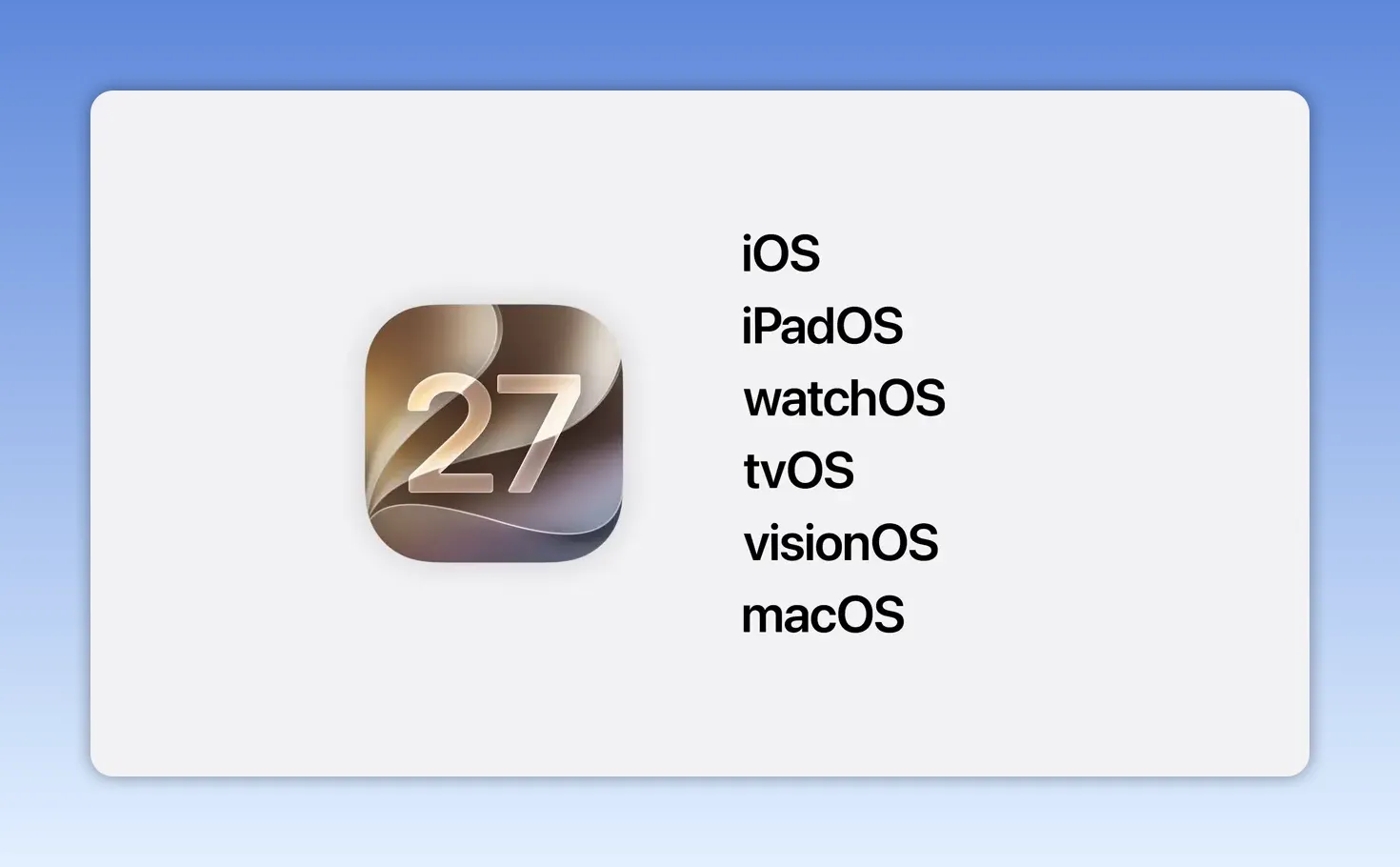
Those changes span iOS 27, iPadOS 27, macOS 27, watchOS 27, tvOS 27, visionOS 27, and more. On the Mac side, the new release gets a new California inspired name: macOS Golden Gate.
Liquid Glass gets clearer, more flexible, and more Mac-like
Last year Apple introduced Liquid Glass as a major visual shift across platforms. This year the company is doing what usually matters most after a big redesign: iterating.
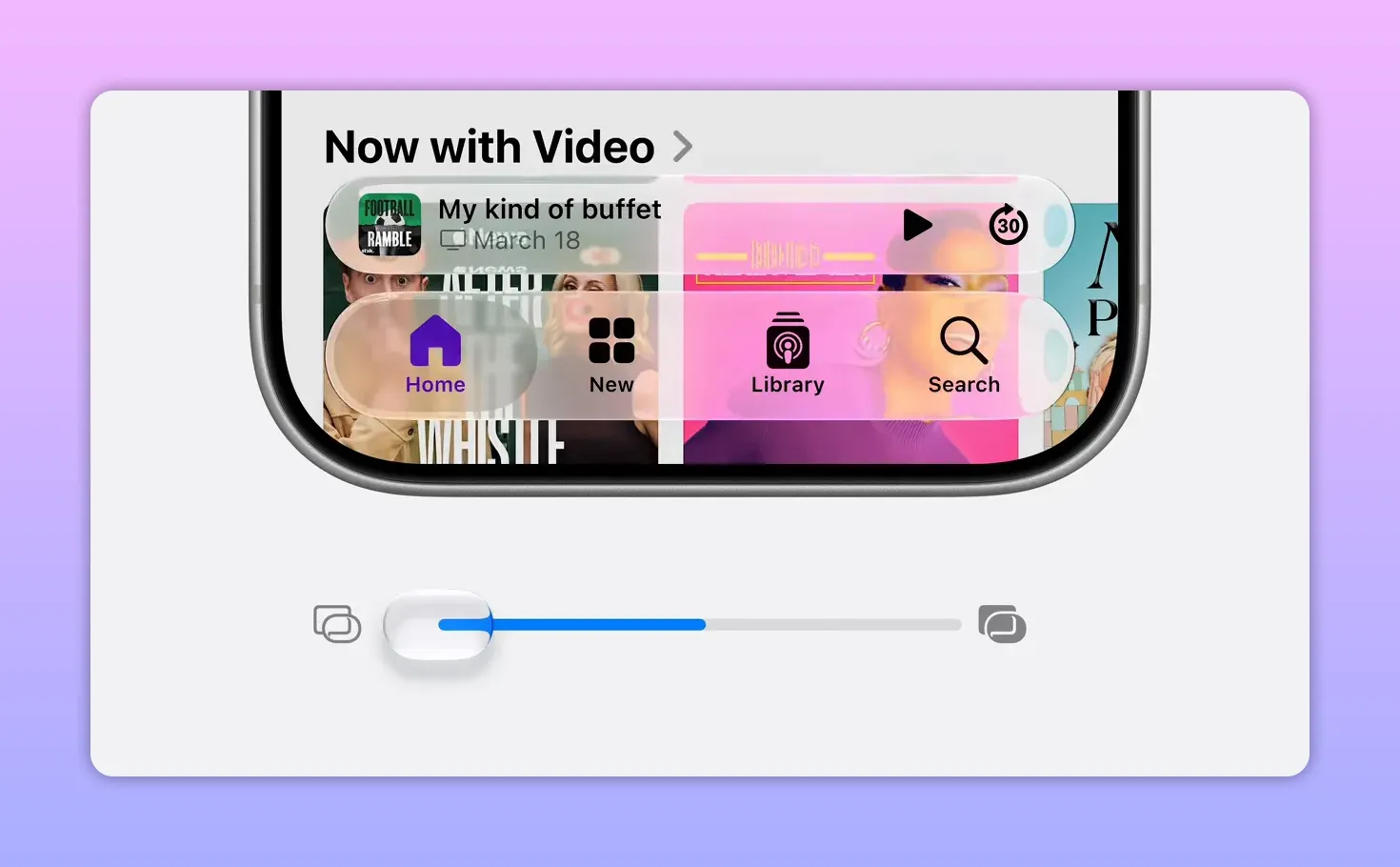
The biggest improvement is readability. Liquid Glass now does a better job diffusing busy content behind interface elements, which creates stronger separation and makes text easier to read. That sounds subtle, but it addresses the exact kind of thing people notice every single day.
Apple is also adding more user control. There is now a setting that lets you tune the look of Liquid Glass along a spectrum, from very clear to more tinted. So instead of locking everyone into one appearance, the system gives people a way to personalize the balance they prefer.
On macOS, Apple also brought back some long loved structural cues:
- Toolbars are more uniform across the top of apps, which helps labels and headings stay legible
- Sidebars now extend fully to the edges of windows, creating a cleaner left edge and a more expansive feel
- Sidebar icons regain color, making it easier to distinguish apps and identify the active foreground window
- Window corners are tighter and more consistent across apps, including older ones
- App icons now include more layered Liquid Glass detail, which makes them appear sharper and more defined
The result is not a reinvention so much as a maturing of the design language. It looks more focused, more structured, and easier to live with.
Performance work that shows up everywhere
One of the strongest parts of the keynote was how much time Apple spent on underlying system performance. This was not treated like background engineering work. It was presented as a core product improvement.
Apple said teams revisited memory use, CPU efficiency, networking, rendering, and other system foundations to improve responsiveness in meaningful ways.
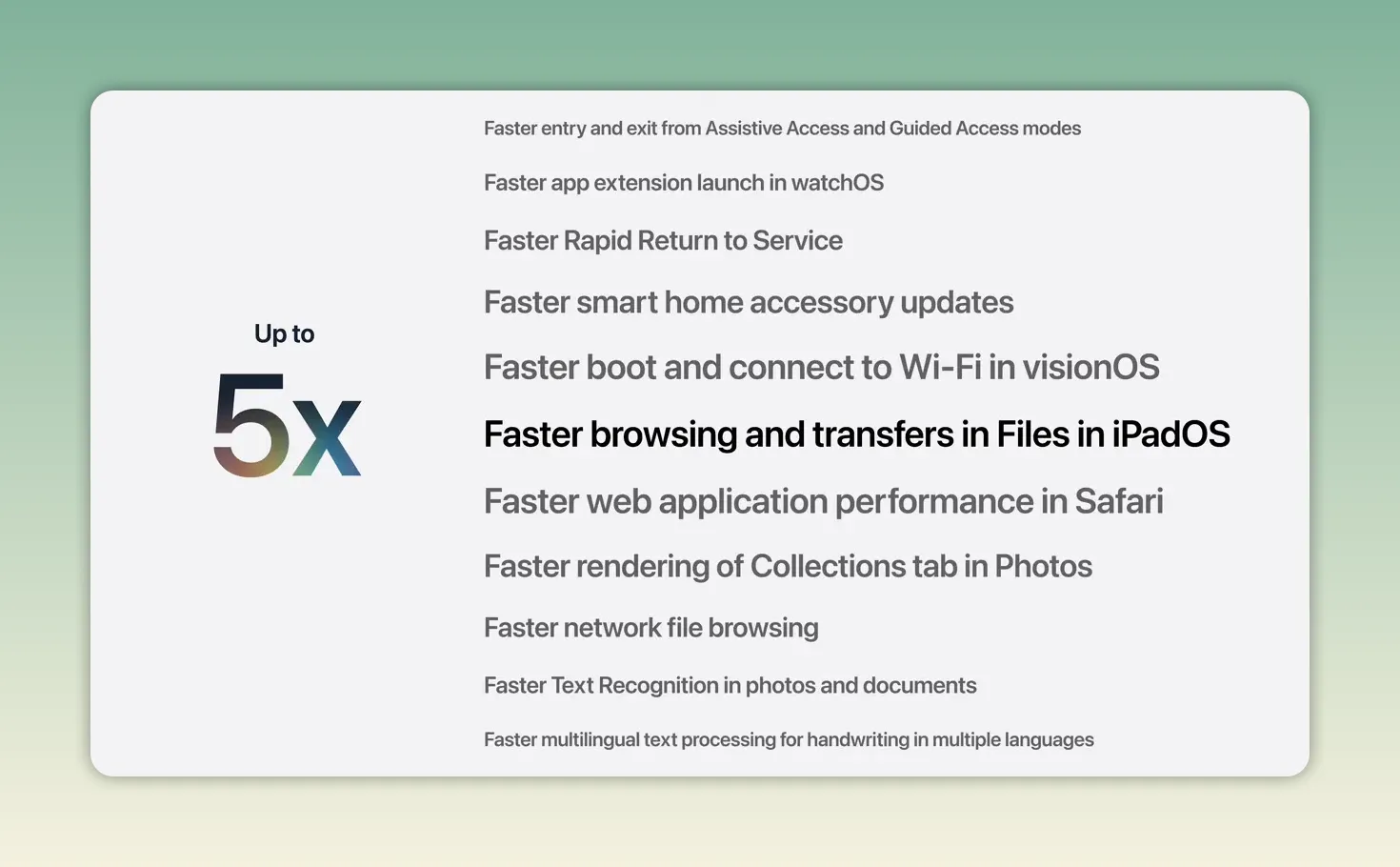
Some of the headline gains include:
- iPhone and iPad app launch times up to 30 percent faster
- New photos appearing in the library up to 70 percent faster
- AirDrop transfers up to 80 percent faster
- iPad file browsing and transfer to external drives up to 5 times faster
Animations are smoother too. Apple called out common interactions such as swiping between Home Screen pages on iPhone, entering Mission Control, and moving between Spaces on Mac.
It is the kind of improvement that rarely gets a dedicated headline after launch, yet it often defines whether software feels modern or frustrating.
Older iPhones are getting attention too
Apple also spent time on CPU scheduling, the system logic that decides what work gets priority and when. Newer iPhones already had a more advanced scheduler, but this year Apple optimized it further and brought that architecture to older devices going back to iPhone 11.
That is why iOS 27 supports the same iPhone models as iOS 26. Apple emphasized that this gives iOS 27 the broadest reach of any iOS release so far.
Smarter network switching and better delivery feedback in Messages
Apple also tackled a very familiar annoyance: phones hanging onto weak Wi-Fi when cellular would clearly work better.
With iOS 27, iPhone becomes smarter about when to stay on Wi-Fi and when to move on. Apple specifically called out situations like passing a coffee shop with a strong but unusable signal, or leaving a flight while still connected to the airline network.
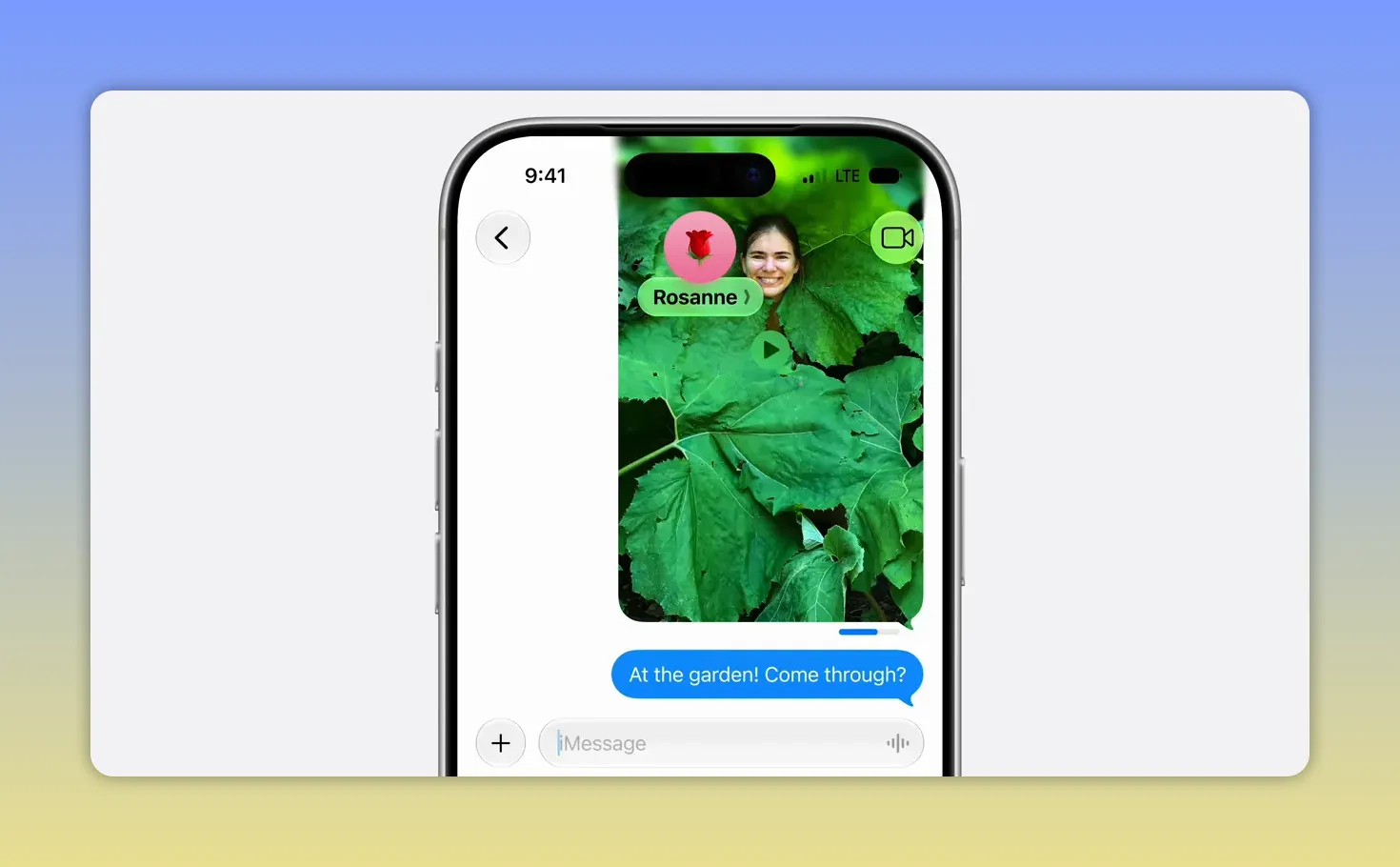
There is also a practical improvement in low bandwidth situations. Sending a large photo or video in Messages will no longer leave the state of a conversation feeling ambiguous. A new per message send indicator makes it clear what has been delivered and what is still pending.
Search gets rebuilt from the ground up
Search is one of those things that only becomes visible when it fails. Apple seems to know that, because it rebuilt the underlying search index powering Spotlight, Photos, and Mail across iOS, iPadOS, and macOS.
The new system is designed to be:
- More stable
- More efficient
- More comprehensive across old and new content
- Faster to index incoming material
After updating, devices will work through a fresh indexing pass to create a fuller understanding of the content already stored locally. After that, new content is indexed almost immediately.
Mail also gets a new ranking system, so relevant messages are more likely to appear at the very top of results, even when they are months old.
Notable app and product features outside of AI
Alongside the platform tuning, Apple highlighted several new features spread across apps and hardware:
- Shared Albums now allow contributions from Android and Windows users, and support full resolution sharing
- Health adds support for perimenopause and menopause in cycle tracking, including pattern notifications, symptom logging, and educational guidance
- AirPods gain custom EQ for more personalized audio
- Vision Pro can turn panoramas into spatial scenes with depth, and use them as immersive environments
- Maps Flyover gets a big visual upgrade with sharper, more detailed aerial rendering powered by vision intelligence models
Trust and safety: a major expansion of child safety features
Apple spent a substantial portion of the keynote on child safety, and this was not just a list of restrictions. The philosophy was consistent throughout: every child is different, parents should stay in control, and technology use should reflect guidance from child development and health experts.
Apple also pointed to research showing the importance of balancing digital activity with in person interaction, academics, exercise, and sleep. For children under 13, the company said access to personal devices should be more limited and expanded gradually as the child is ready.
The foundation for all of this remains the child account.
Creating or converting to a child account immediately enables protections tailored to age, including:
- Blocking adult websites
- Allowing only age appropriate media
- Applying age based App Store restrictions
- Unlocking stronger parental controls across the system
What kids can see
Apple is introducing a new setup flow that helps parents start with a more focused device experience. Parents can choose from:
- A small set of essential apps
- A recommended group of apps
- A hand picked list of specific apps
The idea is to avoid handing over the full digital world all at once. Instead, parents can add more over time as their child is ready.
App approval also gets more context through Ask to Buy, and Apple is extending that concept to the web with Ask to Browse. If a child wants to visit a new site in Safari, they can request permission and a parent can review it before approving. These protections are on by default for children under 13, and parents can turn them on for teens as well.
Who kids can talk to
Apple is also giving parents more control over communication. Families can begin with a very small trusted group, like immediate relatives, then expand that list over time.
New contacts can require parental approval, much like app requests. On top of that, Communication Safety is expanding. It already warned and blurred content if a child was about to send or receive nudity in images or video. Now it can also intervene for violent or graphic content.
When kids have access
Screen Time is getting a substantial overhaul, starting with a new model for time allowances.
Apple is putting special focus on categories parents worry about most:
- Entertainment
- Games
- Social media
Parents get recommended daily allowances based on a child’s age, developed with expert input including work with the American Academy of Pediatrics. Social media gets special attention here, with the guidance that children under 13 should not use it and that readiness for teens varies by child.
Schedules also become more flexible. Parents can choose which apps are available during specific parts of the day, such as school hours, and combine schedules with allowances. So a child might have stricter weekday limits but more freedom on weekends.
And Screen Time itself has been redesigned so parents can quickly see activity and make changes in the moment.
The role of developers in safer experiences
Apple made an important point here: parental controls can limit access to apps, but developers also shape what happens inside those apps.
To support safer in app experiences for children, Apple highlighted APIs and tools developers can use, including:
- Resources for handling sensitive content
- Approval flows for new contacts inside apps
- Declared Age Range API, which lets apps tailor experiences to age range in a privacy preserving way
That developer angle matters because child safety does not stop at installation. It has to carry through to the actual experience.
Apple Intelligence gets a new architecture
The biggest leap of the keynote was Apple Intelligence.
Apple described a new architecture built around the person using the device and the apps, files, messages, and content that make up their digital life. At the center are new Apple Foundation Models, created through a deep collaboration with Google using technologies behind the Gemini family of models.
Those models have been adapted to run:
- On device
- On servers through Private Cloud Compute
This enables stronger reasoning, better multimodal understanding, image generation, image editing, and more useful answers about visual content.
For the most capable Apple silicon devices, Apple also introduced a more powerful on device model that adds speech generation and improves dictation accuracy, natural language understanding, and voice expressiveness.
The five systemwide capabilities behind Apple Intelligence
Apple outlined several building blocks that now work together through a new system orchestrator:
- Personal context understanding for finding and using your content
- Broad world knowledge for up to date web backed answers
- App actions for actually doing things inside apps
- On screen awareness for understanding what you are looking at right now
- Image understanding and generation for visual tasks and creative tools
Together, these become the foundation for Siri AI and all the intelligence features showing up across Apple’s apps.
Privacy remains the anchor
Apple was unusually direct here. The company contrasted its approach with AI systems that keep logs of your interactions by default, then make you do the work of protecting yourself.
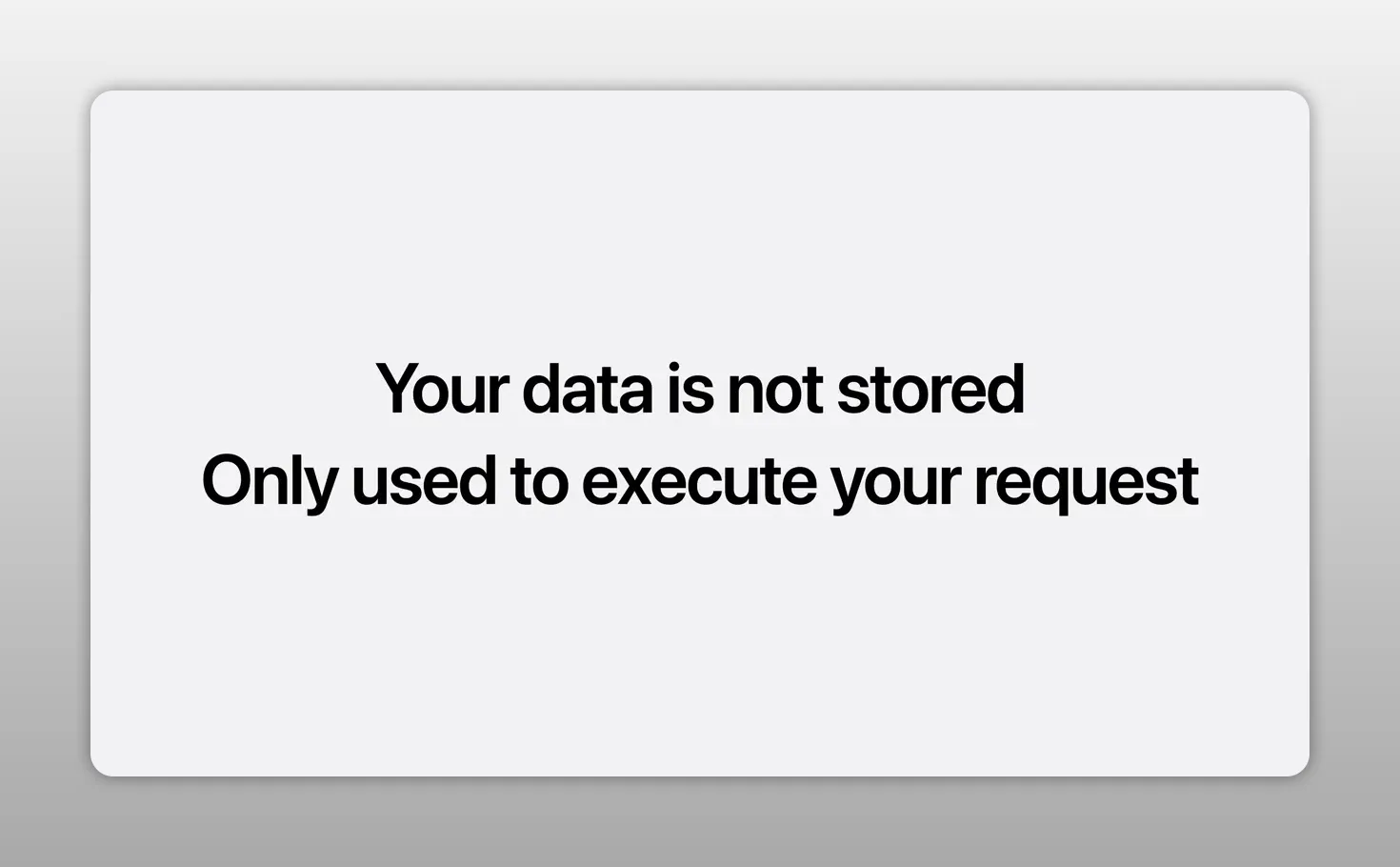
With Apple Intelligence, requests are handled using on device processing and Private Cloud Compute. Apple said personal data is not stored, is not accessible to Apple or anyone else, and is only used to fulfill the request. Independent experts can audit and verify those promises.
Siri AI: a far more capable, conversational Siri
The headline announcement of the event was the new Siri, now called Siri AI.
Apple rebuilt Siri around Apple Intelligence, pulling in the same capabilities mentioned above: personal context, app actions, on screen awareness, image understanding, and web backed world knowledge.
The promise is straightforward. Siri should no longer feel like a narrow command parser. It should feel like an assistant that can understand what you mean, remember the context of what you are doing, and help you actually finish things.
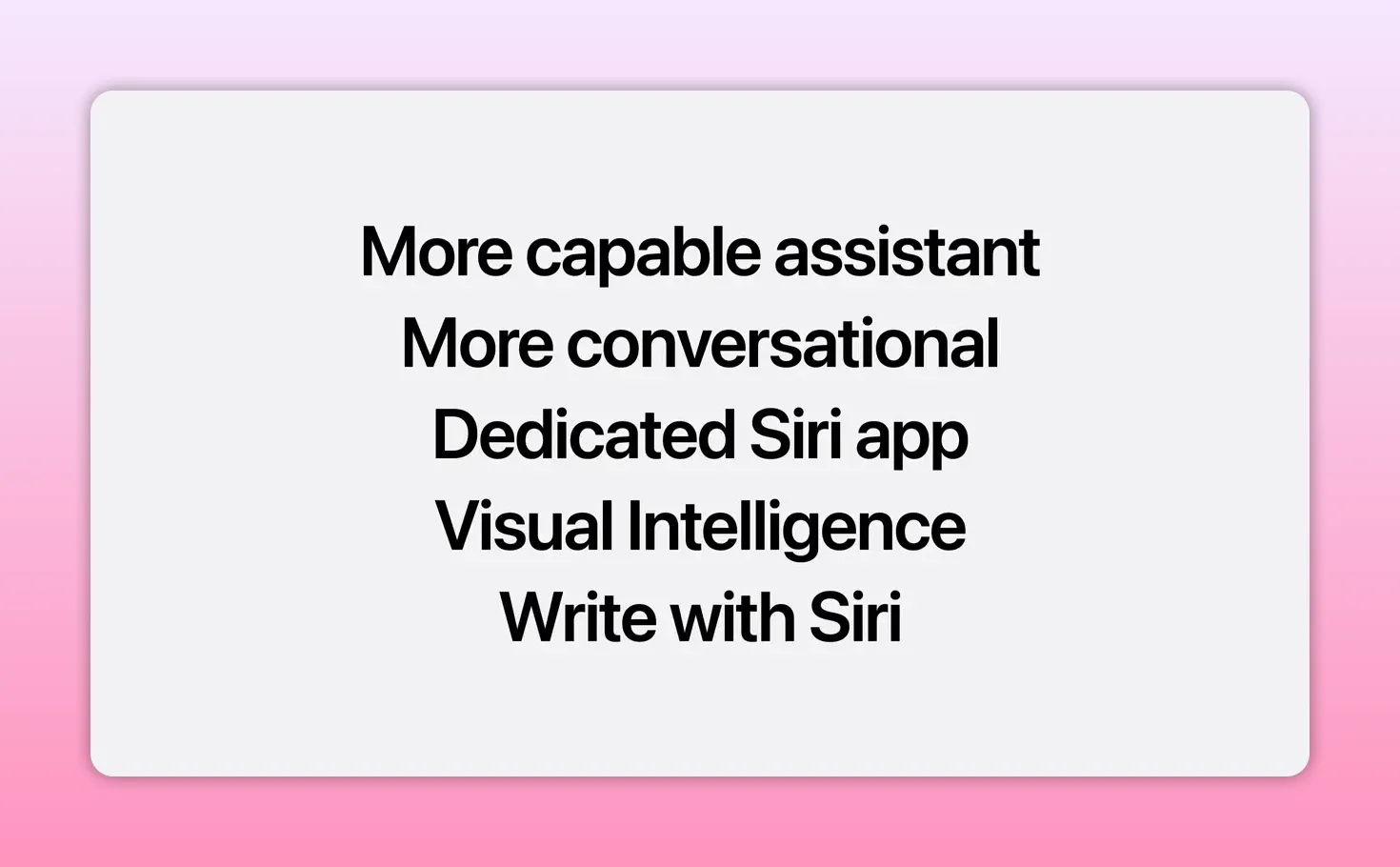
Apple described Siri AI with a few key themes:
- More capable
- More conversational
- Able to reference personal context
- Integrated with writing tools
- Equipped with visual intelligence
- Backed by a dedicated Siri app for revisiting conversations
What Siri AI can do in practice
The demos showed the new Siri handling a chain of related requests more naturally.
In one example, it looked up a concert date, figured out how to get tickets, created a reminder for when ticket access opened, and then moved into playing music. The point was not that Siri can set reminders. It is that it can move across knowledge, timing, and actions without falling apart.
In another example, Siri understood what was on screen, identified a location from an image, found a friend’s address from personal history, and built directions that included a stop on the way. Later it searched a photo library for a recent trip, narrowed the results to specific people, and added those images to a shared album without the user having to open Photos directly.
That is the real pitch of Siri AI: less jumping between apps, more intent based help.
A richer conversation model
Siri AI is also built for back and forth conversation. Apple showed it planning a World Cup watch party by combining public information, personal messages, and creative ideation.
It pulled the opening weekend schedule, suggested iconic dishes from the countries playing, found a dessert mentioned by a family member in a prior conversation, and then assembled a themed party menu. From there, it drafted a message to a group chat including the menu and the event details.
That kind of flow matters because it goes beyond isolated tasks. Siri is being positioned as a collaborator for planning, writing, and thinking through multi step situations.
The new Siri app
Apple is adding a dedicated Siri app so conversations are no longer purely ephemeral. You can revisit previous threads, pick them back up later, and continue across devices with private iCloud syncing.
Start on iPhone, continue on iPad, finish on Mac. That continuity is a big part of the new experience.
A more expressive voice and better dictation
On supported high end Apple silicon devices, Siri gets a more natural voice experience with adjustable expressiveness and pace. Apple also says systemwide dictation is getting much more accurate, improving punctuation, capitalization, and spelling.
Because dictation is built into the keyboard, those improvements carry across apps throughout the system.
Siri on Mac, Watch, CarPlay, AirPods, and Vision Pro
Apple is tailoring Siri AI by platform instead of treating each device as a copy of the same feature.
- Mac: Siri is integrated into Spotlight, and can be invoked through context menus for selected text, files, and images
- Apple Watch: Siri AI and the Siri app come to the wrist for quick action and answers
- CarPlay and AirPods: Siri improvements extend here as well
- Vision Pro: Siri appears as a 3D visualization in space, and you can begin speaking simply by looking at it
Visual intelligence puts Siri into the camera and onto the screen
One of the more interesting expansions is visual intelligence.
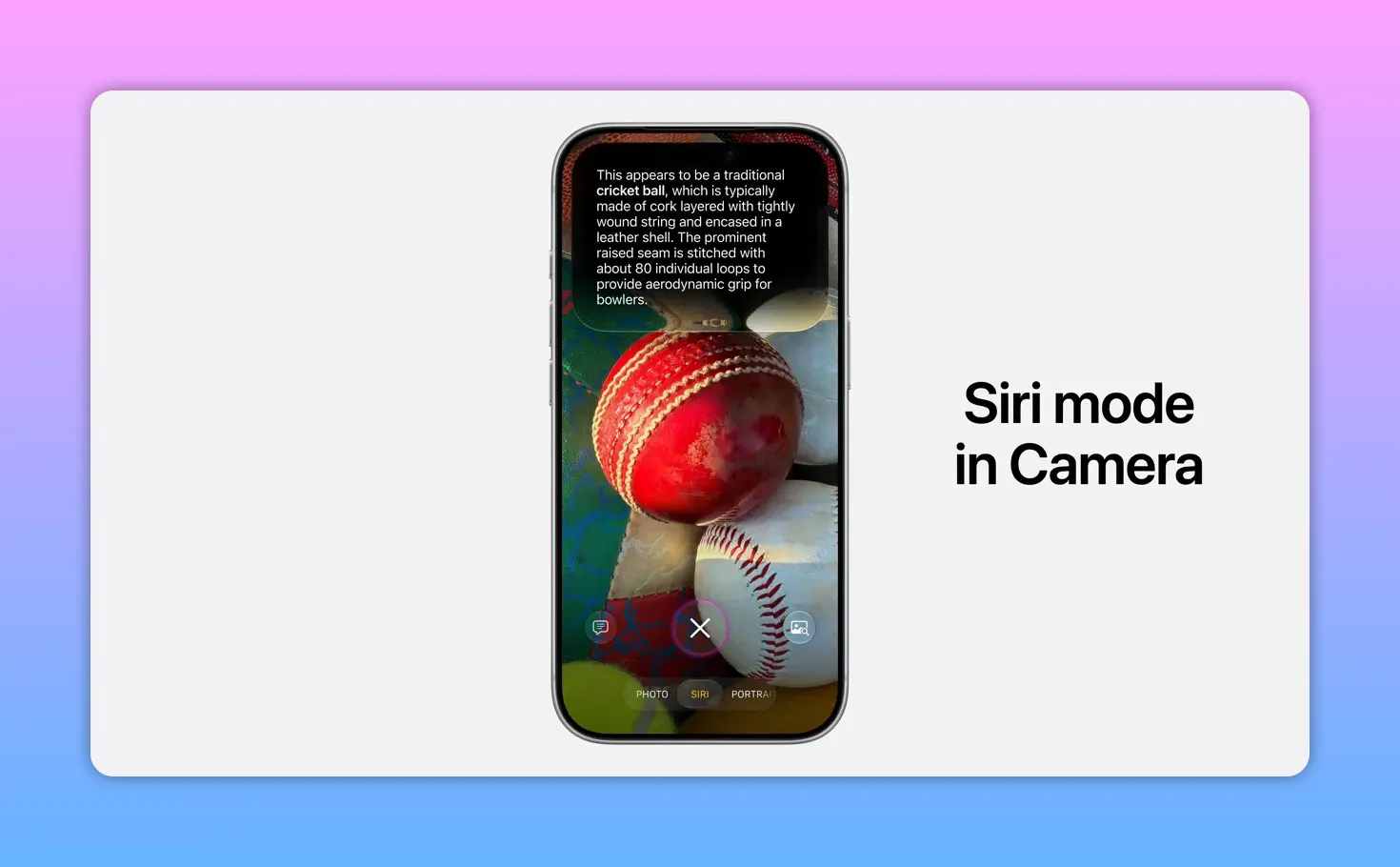
On iPhone, this is built into the Camera app through a new Siri mode. Point the camera at something, tap the shutter, and Siri can interpret what it sees, provide details, and suggest actions.
Apple showed examples like:
- Getting nutritional information from a plate of food
- Splitting a restaurant bill by selecting what each person ordered and using Apple Cash
- Saving the image and conversation into the Siri app for later review
On Mac, visual intelligence can be triggered with a keyboard shortcut. You can select something on screen and ask Siri about it directly. It can also suggest actions, like pulling multiple events from a schedule into Calendar in one shot.
On iPad, visual intelligence is integrated into screenshots. On Vision Pro, it works with whatever you are looking at in space, combining object recognition, world knowledge, and personal context.
Write with Siri across the system
Writing tools are now more tightly connected to Siri. Apple says you can write with Siri virtually anywhere you type.
That includes a few different use cases:
- Generating a draft from a natural language prompt
- Matching the tone you typically use with a specific person
- Giving feedback on text you already wrote
- Automatic proofreading across the system, including many third party apps
One especially practical detail is the tone adaptation in Mail and Messages. If you usually send short, direct bullets to a manager, Siri can mimic that style. If you write more casually to a friend, it can shift accordingly.
Apple Intelligence inside apps
After introducing the architecture and the new Siri, Apple showed how Apple Intelligence improves individual apps.
Safari
Safari is getting some of the most concrete AI powered improvements:
- Topic based tab organization groups related tabs automatically
- Notify Me can monitor a page for specific changes you describe in natural language
- Describe an extension lets you create a custom extension for adapting pages to your needs
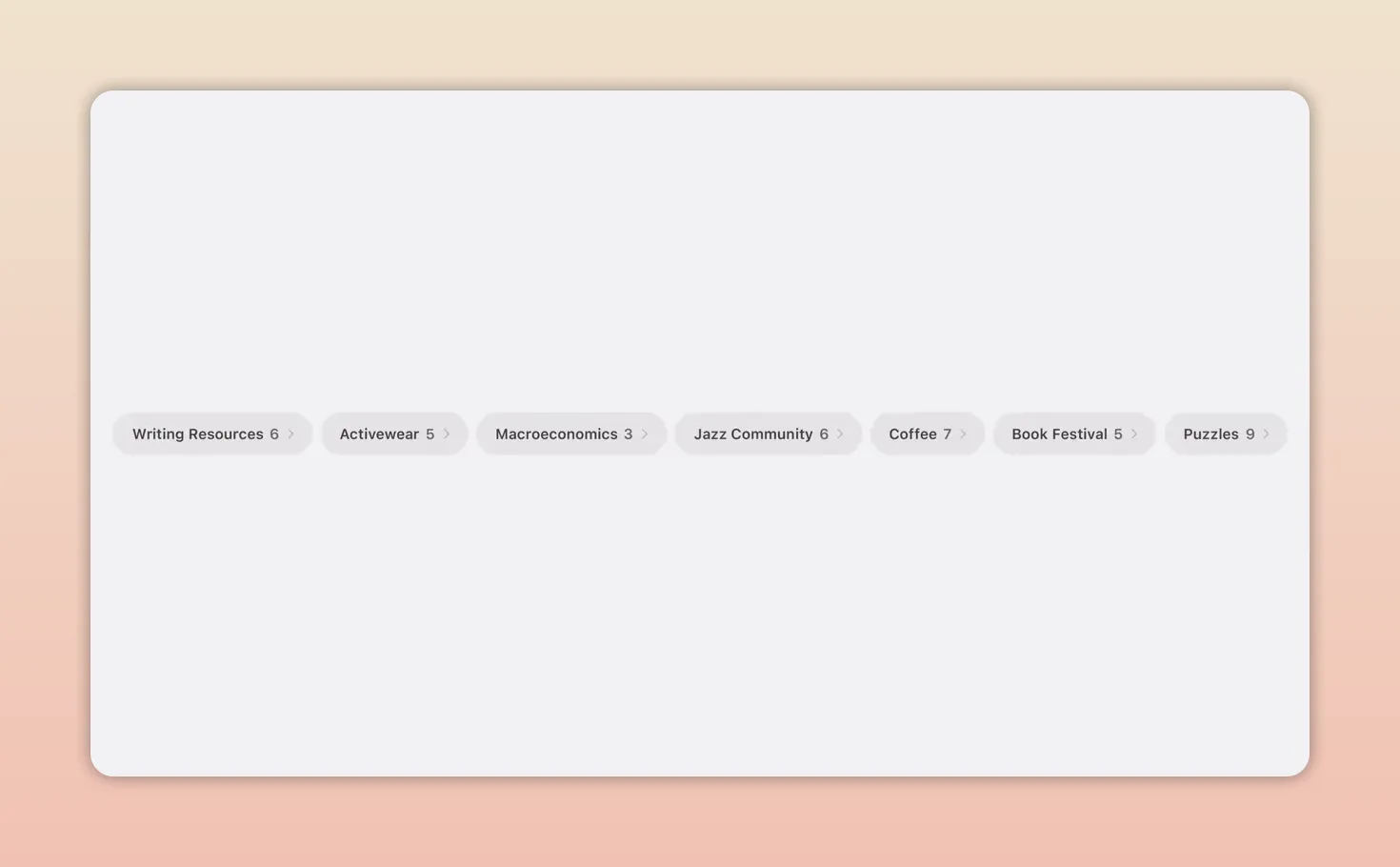
The tab organization feature looks particularly useful for research heavy browsing. Safari analyzes open pages, identifies relationships, and keeps adding new related tabs to the right topic as you continue browsing.
Notify Me targets another familiar behavior: leaving a tab open because you are waiting for something to change, like a camp registration opening or an item returning to stock. You tell Safari what update matters, close the tab, and get alerted later when the change appears.
Apple also emphasized that Safari’s intelligence features do not share sensitive browsing data with Apple.
Passwords
The Passwords app already warns about weak or compromised credentials. Now it can automatically update supported accounts to stronger passwords with a tap, using Apple Intelligence and Safari to securely move through the website flow on your behalf.
That is a very Apple kind of feature: not just identifying a problem, but removing the drudgery of fixing it.
Messages, Mail, Calendar, and Phone
Communication and scheduling get a set of context aware helpers:
- Messages can suggest actions like creating a reminder or note based on a conversation
- Messages can also find relevant photos by understanding names, places, and keywords mentioned in chat
- Mail offers smarter suggestions and can trigger actions with favorite apps, including third party apps
- Calendar can create events from natural language descriptions and intelligently edit recurring events
- Phone introduces call context, surfacing helpful information such as an airline confirmation code at the moment you call
Apple was careful to note that call context is based on who you are calling, not the conversation itself, and runs entirely on device.
Home
The Home app is using Apple Intelligence to make notifications and camera footage more manageable.
Accessory notifications can now be grouped into a single evolving activity instead of piling up as separate alerts. For compatible cameras, Home can analyze recorded clips, generate summaries of what happened, and connect related footage from multiple cameras into one coherent view.
Search for footage also improves because the system can understand what is in clips before you even finish typing.
Apple also said supported home cameras can now show recorded clips in 4K.
Shortcuts
Shortcuts may be getting one of the most transformative updates in the entire keynote.
Instead of building automations step by step, you can now describe a shortcut in natural language. Apple Intelligence reasons through the request and assembles the steps for you.
For example, Apple showed a shortcut that triggers when leaving work, calculates arrival time with Maps, messages a partner with the ETA, and can even be extended with another action like starting a podcast automatically.
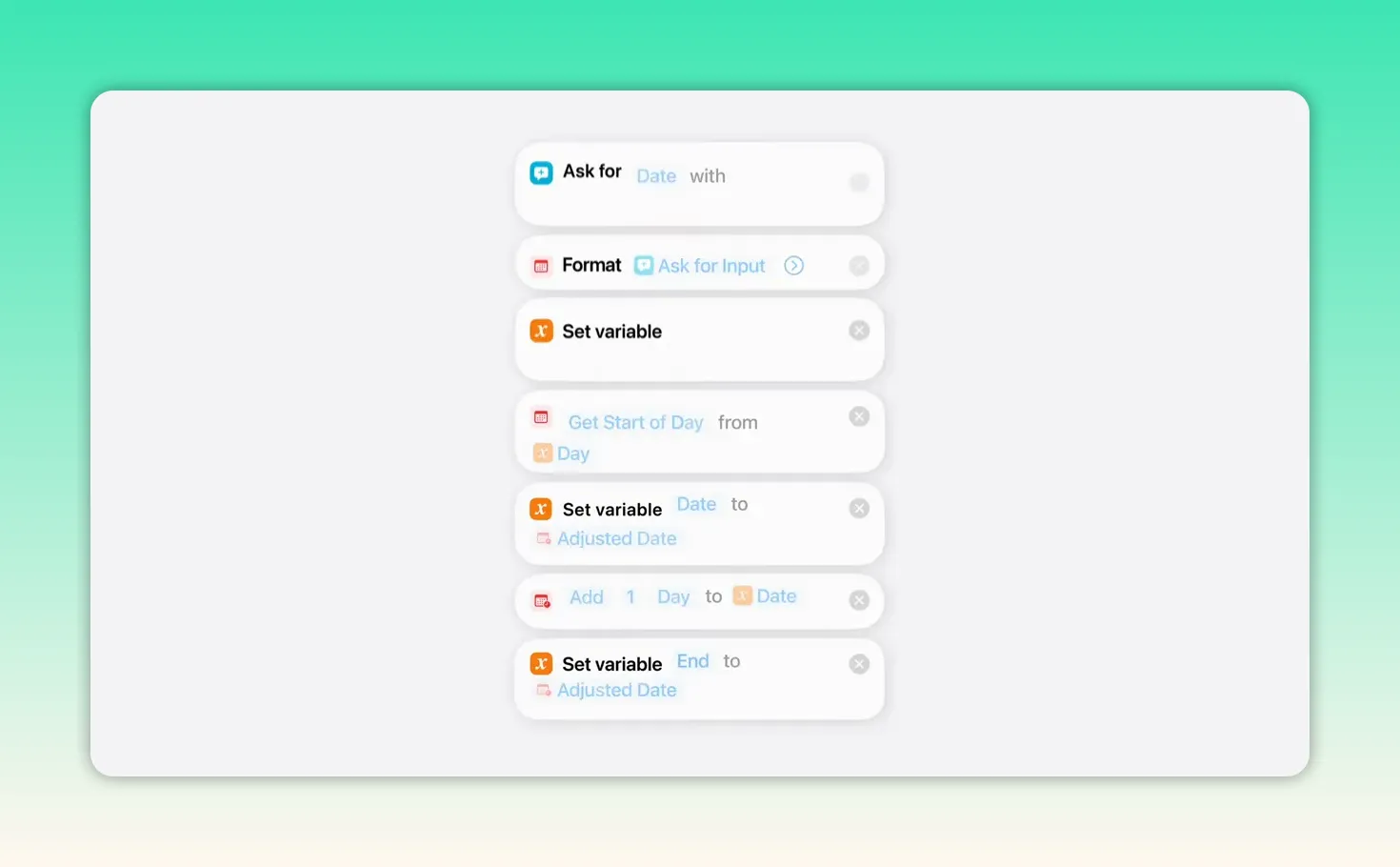
Image Playground
Image Playground is being rebuilt around stronger image models. Apple says it can now generate high quality visuals in almost any style, including photorealistic output, using models that run through Private Cloud Compute.
New capabilities include:
- Creating images in many styles from natural language
- Using multiple people from your photo library in generated scenes
- Transforming existing photos into new artistic treatments
- Refining images by touching or circling objects to move, resize, or modify them
- Choosing dimensions suited for specific outputs like websites, flyers, wallpapers, and contact posters
Apple also said the system can offer suggestions inspired by favorite places and activities in your own photo library.
Photos
Apple’s AI work in Photos is aimed less at fantasy and more at respectful enhancement of real images.
Three editing tools were highlighted:
- Cleanup, now improved for more realistic removal of distractions
- Extend, which expands an image to create more space or adjust aspect ratio
- Spatial Reframing, a new feature that lets you alter composition after the fact by shifting perspective
Spatial Reframing was one of the most impressive demos in the keynote. It uses on device spatial models for real time previewing, then fills in newly exposed areas with generative models. The goal is not to rewrite the photo, but to make it feel like you repositioned the camera slightly when the moment was captured.
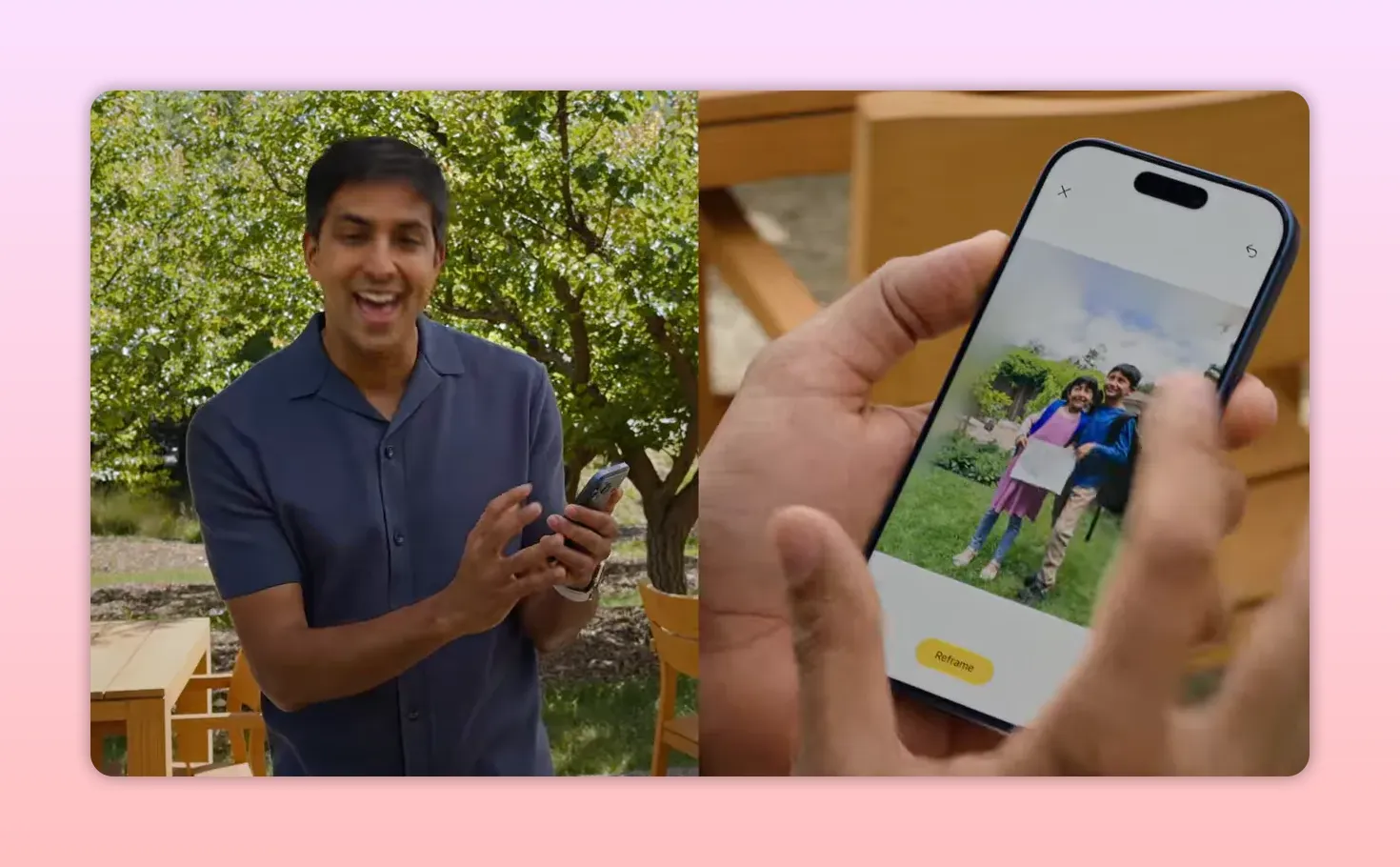
Apple said these tools work on almost any image in the library, including older photos and pictures taken with non Apple cameras.
Availability, limits, and device support
Apple said the new app level Apple Intelligence features will come to all currently supported Apple Intelligence languages, free with the new software releases.
Some features, especially image generation, use powerful server side models and will have daily usage limits. More access comes with most iCloud+ plans, which also include Apple Intelligence support for compatible home cameras.
The overall Apple Intelligence update is supported on the same device models that already support Apple Intelligence today. The more advanced on device model, including expressive Siri voices and the best dictation upgrades, will be limited to the most capable recent iPhone, iPad, and Mac systems.
Siri AI launches in English first, with more languages coming soon. Apple also said Siri AI will enter beta later this year.
There are also regional limitations at launch:
- Siri AI will not initially be available in the EU on iOS and iPadOS
- In China, Siri AI and the new Apple Intelligence features are being held back while Apple works through regulatory requirements
What developers get
WWDC is still WWDC, so Apple closed with a developer heavy section showing how these intelligence features can be used in third party apps.
Developers can bring Apple Intelligence into apps using familiar technologies like App Intents. That allows Siri to surface app information and perform actions more naturally. Apple gave examples where content indexed into Spotlight can then be discovered through Siri, and where structured app actions make it easy to create events or complete tasks.
For deeper AI integration, developers also get more power through the Foundation Models framework:
- Image input joins text input
- Developers can extend models with custom skills
- Server based models can be used through the same Swift API
Apple also introduced a new Core AI framework for running other local models with the performance of Apple silicon.
The message here was that Apple does not want intelligence to replace apps. It wants intelligence to make rich native apps better.
Xcode and app development tools
Apple also highlighted improvements to Xcode and testing workflows:
- The coding assistant can localize entire apps
- It can interact with simulated devices
- Custom skills can extend its behavior
- Developers can choose different models and agents, including Gemini
- Xcode can connect to tools like Figma and GitHub
- A new Device Hub brings simulated and real devices into one interface
- Multi touch gestures, appearance changes, and dynamic resizing are easier to test
The bigger takeaway from WWDC 2026
The most interesting thing about this keynote is that Apple did not treat AI as a separate category floating above the operating system. It treated it like part of the operating system.
That is the thread connecting almost everything announced.
Design updates were refined because clarity matters more when software is doing more for you. Search was rebuilt because intelligence needs stronger system foundations. Child safety tools were expanded because trust is a platform feature, not a side policy. And Siri was redesigned not as a novelty chatbot, but as a system level assistant that can understand context, act across apps, and stay private.
If Apple delivers on the details, WWDC 2026 may be remembered less as the year it added AI and more as the year it made AI feel like a native part of using an Apple device.
Developer betas are available now, the public beta arrives next month, and the full releases land this fall.